
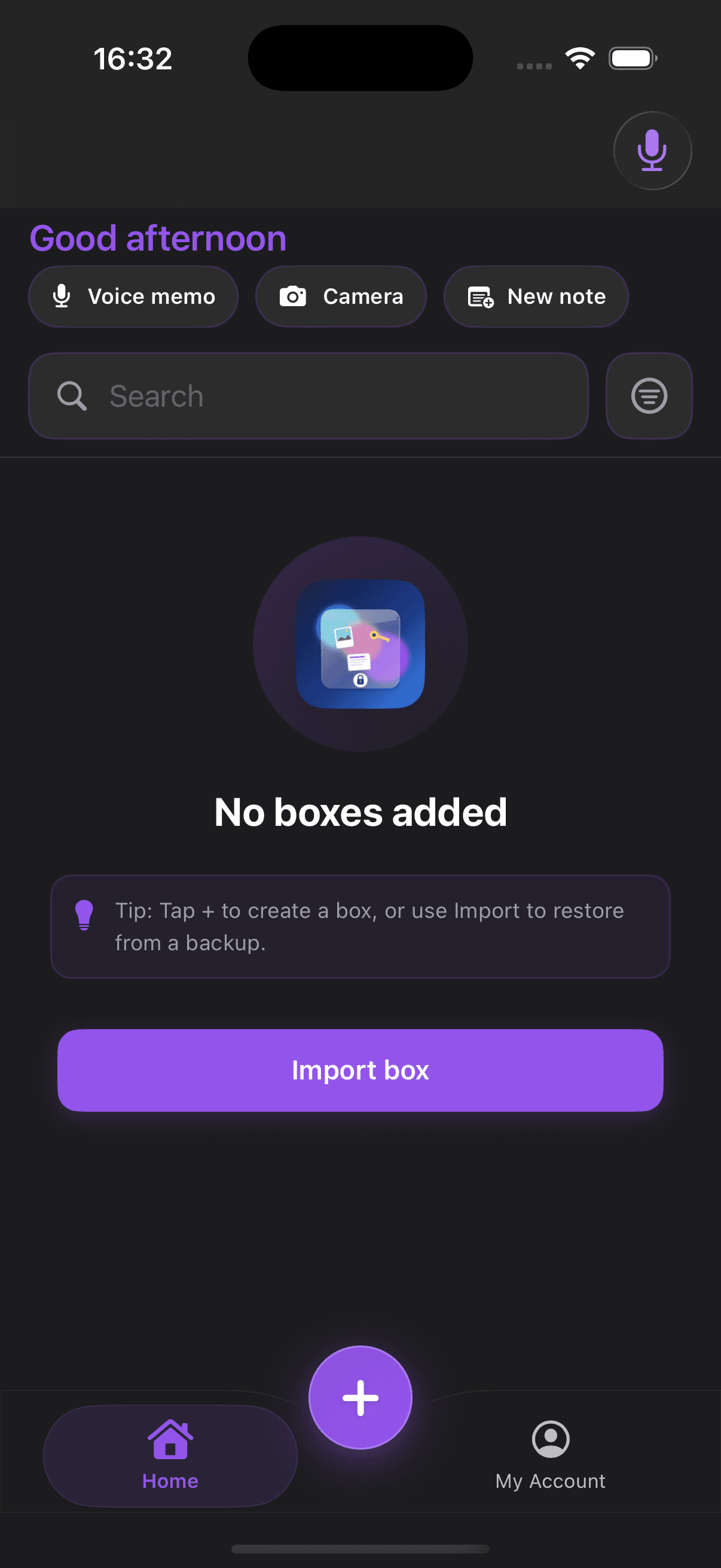
Home
Calm daily dashboard
The home screen is built to make passwords and private records feel manageable instead of messy.
- Quick actions
- Search and import
- Fast vault access

Privacy-first iPhone vault
Private vault for life’s sensitive details
Save passwords, recovery notes, TOTP codes, backup codes, and account details in one trusted place. Then keep your documents, contacts, and private references there too.
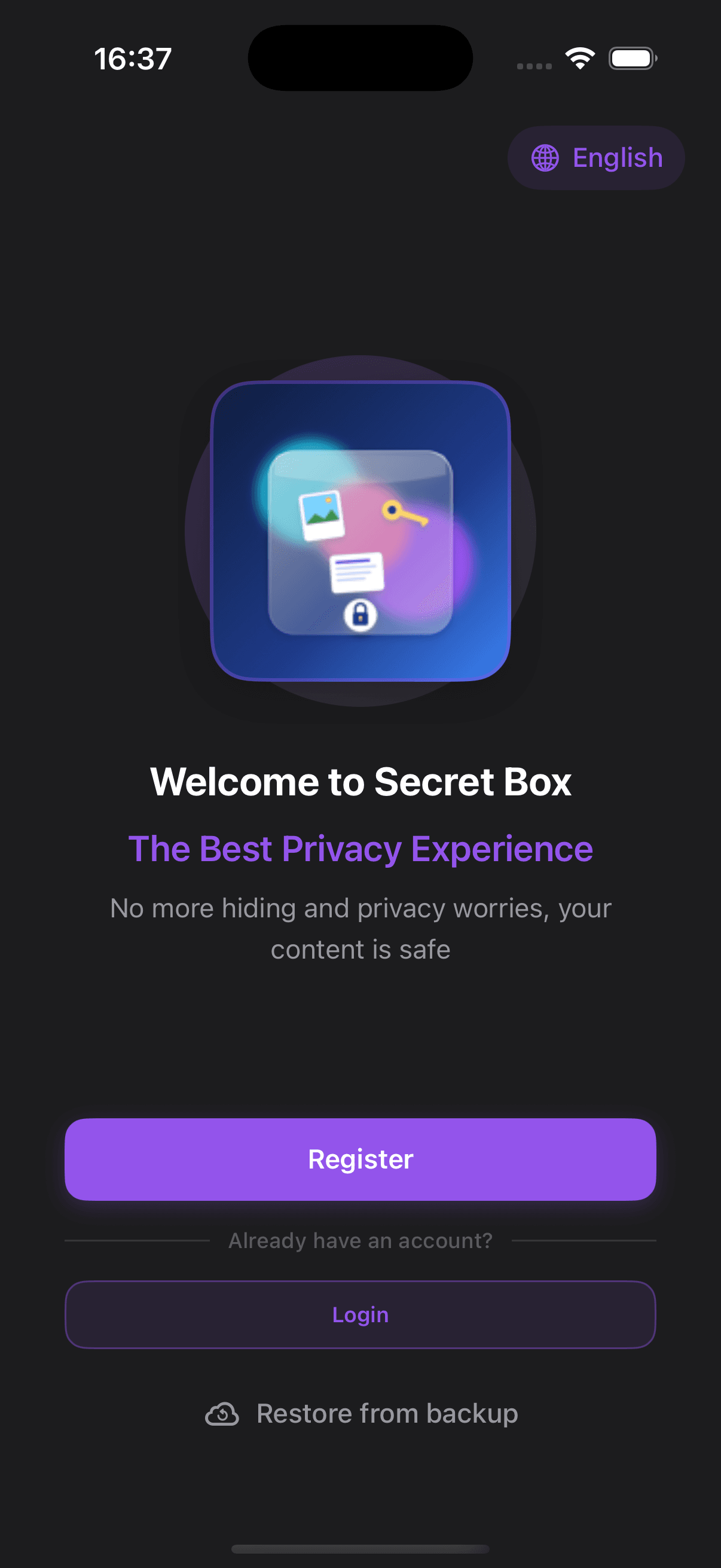
Trust
The product story starts with respect for sensitive information rather than hype, noise, or generic security marketing.
Clarity
Accounts, recovery codes, TOTP secrets, documents, and reference media fit into one clearer personal system.
Direction
The codebase is intentionally structured to support marketing pages now and deeper web integration later.
Preview
Three focused screens tied to password access, vault recovery, and everyday use.
Home
The home screen is built to make passwords and private records feel manageable instead of messy.
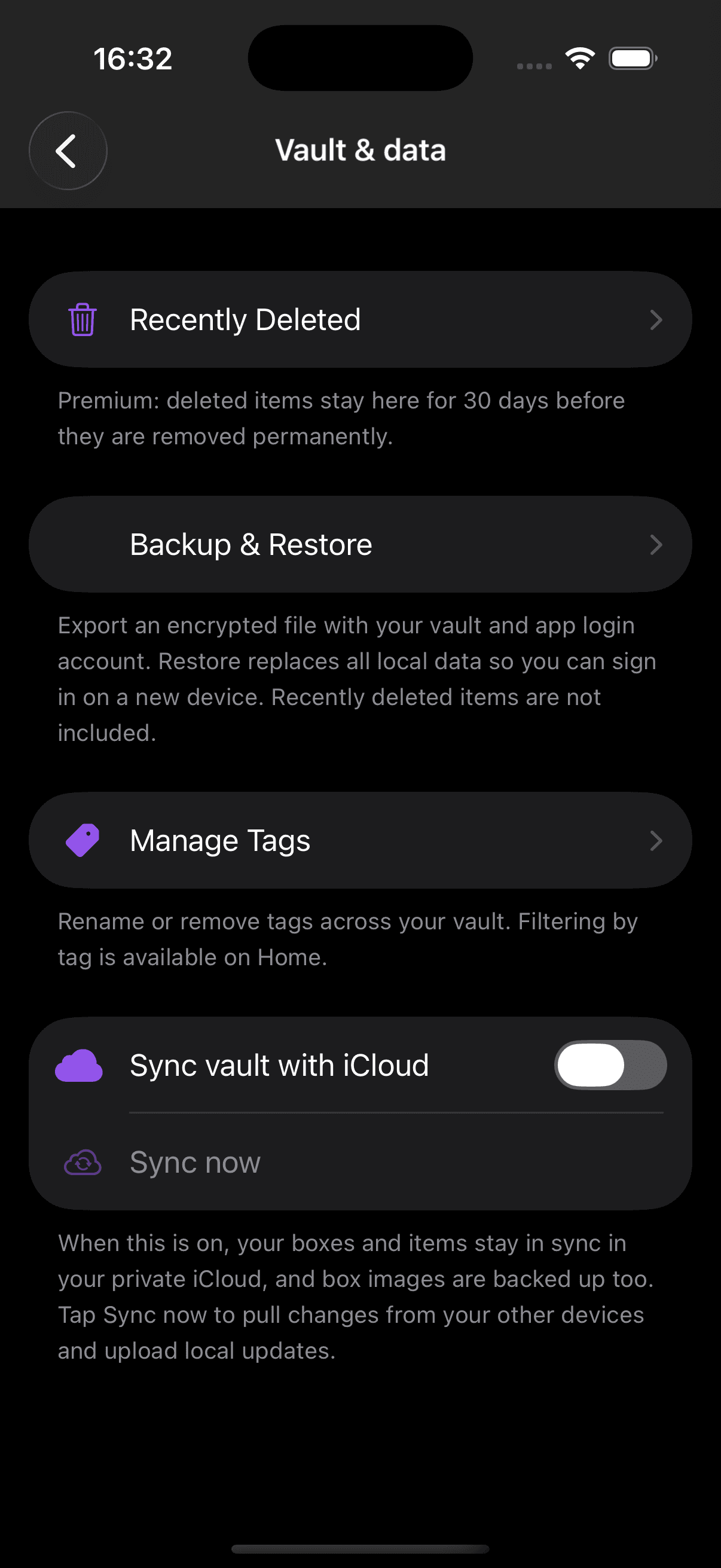
Vault & data
Recovery and vault management are treated as trust features, not buried settings.
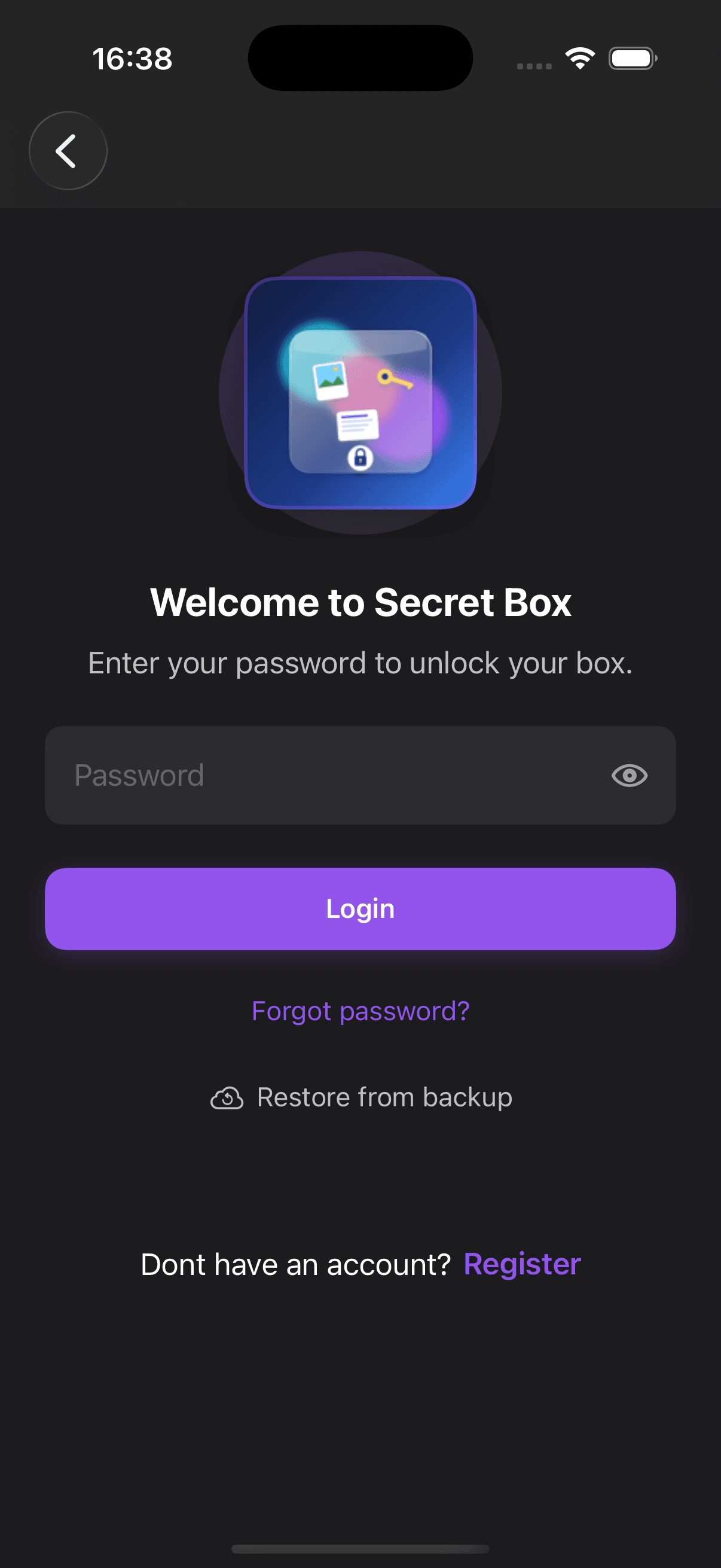
Access
Password access and recovery stay visible without making the app feel intimidating.
Swipe horizontally to preview more screens
Password manager
The homepage now makes the password manager story explicit before expanding into the rest of the vault.
Passwords
A stronger home for passwords, usernames, recovery details, and secure account notes.
Autofill
The app already supports password-manager workflows beyond simple storage.
Security audit
The app includes real password health analysis so security can be improved, not just stored.
Generator
Built-in password generation helps users create stronger credentials instead of reusing old ones.
Backup
Support and trust content can grow around backup and migration without rewrites.
Vault
Once passwords are handled well, the same vault can hold documents, contacts, notes, and private references too.
How it works
A simpler way to explain the core password-manager flow.
Capture
Move passwords, usernames, TOTP secrets, and recovery codes out of notes apps and screenshots into a deliberate vault.
Protect
Use autofill, stronger organization, password health checks, and layered access to tighten everyday security habits.
Recover
Backup and restore matter because a password manager has to stay dependable when phones change or life gets messy.
Premium
Premium extends the password-manager experience without taking over the homepage.
Launch goals
A homepage that quickly explains the product, who it is for, and why it feels trustworthy.
Dedicated pages for features, Premium, support, and legal pages so new content does not become homepage clutter.
Shared layout and section components that keep future page-building quick and consistent.
FAQ
Short answers to the things people will want to know first.
Yes. The codebase is being organized so it can grow from a marketing site into a web-connected product surface when sync and account work are ready.
Yes. The current app already includes account storage, autofill support, TOTP handling, password generation, and password health checks.
No. The current app privacy disclosures and local privacy manifest indicate no tracking and no collected data types for the shipped app experience.
They are part of trust. Putting them in the codebase now keeps the product story, policy links, and support experience under one roof.